







Discover the comprehensive range of capacitive touchscreen sizes available in the market, from compact mobile displays to large-format interactive screens. This detailed guide covers standard sizes, custom dimensions, aspect ratios, and size selection criteria for various applications including gaming, digital signage, retail POS systems, and interactive kiosks. Learn how to choose the optimal screen size for your specific needs and understand the relationship between size, cost, and performance.
Capacitive touchscreens have become the dominant technology in modern interactive displays, offering superior multi-touch capabilities and excellent optical clarity. One of the most critical decisions when selecting a capacitive touchscreen is choosing the right size for your application. The screen size directly impacts user experience, installation requirements, cost, and overall system performance.
From smartphones and tablets to large-format digital signage and industrial control panels, capacitive touchscreens are available in a wide range of sizes. Understanding the standard sizes, custom options, and size-related considerations will help you make an informed decision that balances functionality, aesthetics, and budget.
Standard Capacitive Touchscreen Sizes
Capacitive touchscreens are manufactured in various standard sizes to accommodate different applications and market segments. These standard sizes are typically more cost-effective due to economies of scale in production.
Medium Format Displays (10 to 24 inches)
Medium-sized capacitive touchscreens are versatile and suitable for various commercial and industrial applications:
- 10.1" to 12": Popular for tablets, portable workstations, and compact POS terminals. Standard resolutions include 1280×800, 1920×1200, and 2560×1600.
- 13" to 15": Common in laptops, all-in-one computers, and professional displays. Typical resolutions range from Full HD (1920×1080) to 4K (3840×2160).
- 17" to 19": Used in desktop monitors, industrial control systems, and medical equipment. Often feature 16:9 or 16:10 aspect ratios.
- 21.5" to 24": Ideal for desktop displays, retail POS systems, and professional workstations. Supports resolutions from Full HD to 4K UHD.
Large Format Displays (24 to 55 inches)
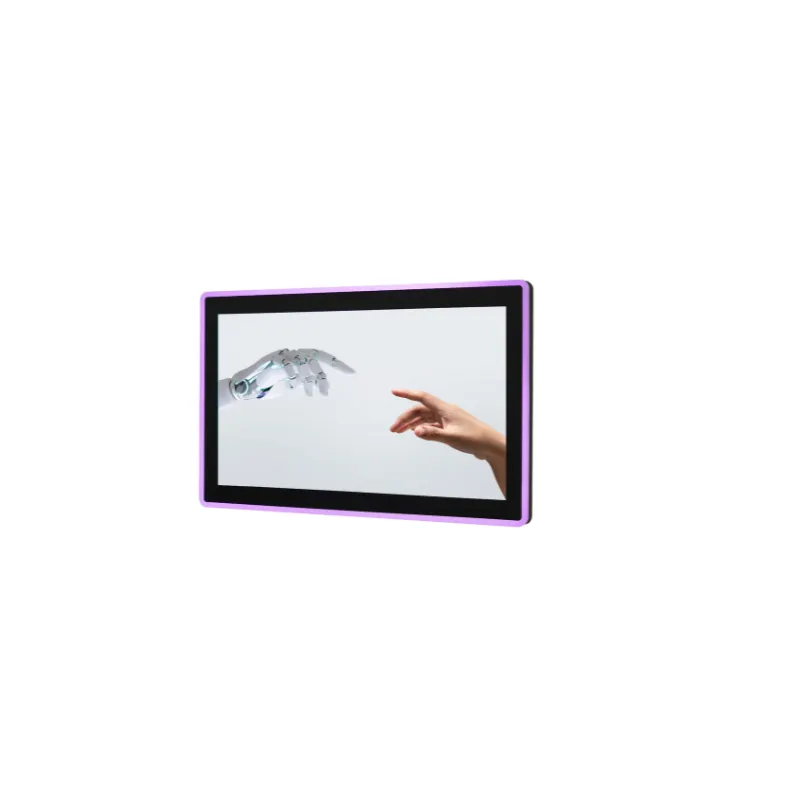
Large capacitive touchscreens are designed for public displays, digital signage, and collaborative workspaces:
- 24" to 27": Suitable for desktop workstations, conference room displays, and retail kiosks. Common resolutions include 1920×1080, 2560×1440, and 3840×2160.
- 32" to 43": Ideal for digital signage, interactive whiteboards, and large format displays. Typically feature 4K (3840×2160) resolution.
- 49" to 55": Used in large-scale digital signage, video walls, and immersive interactive experiences. Often support 4K or higher resolutions.
Custom Capacitive Touchscreen Sizes
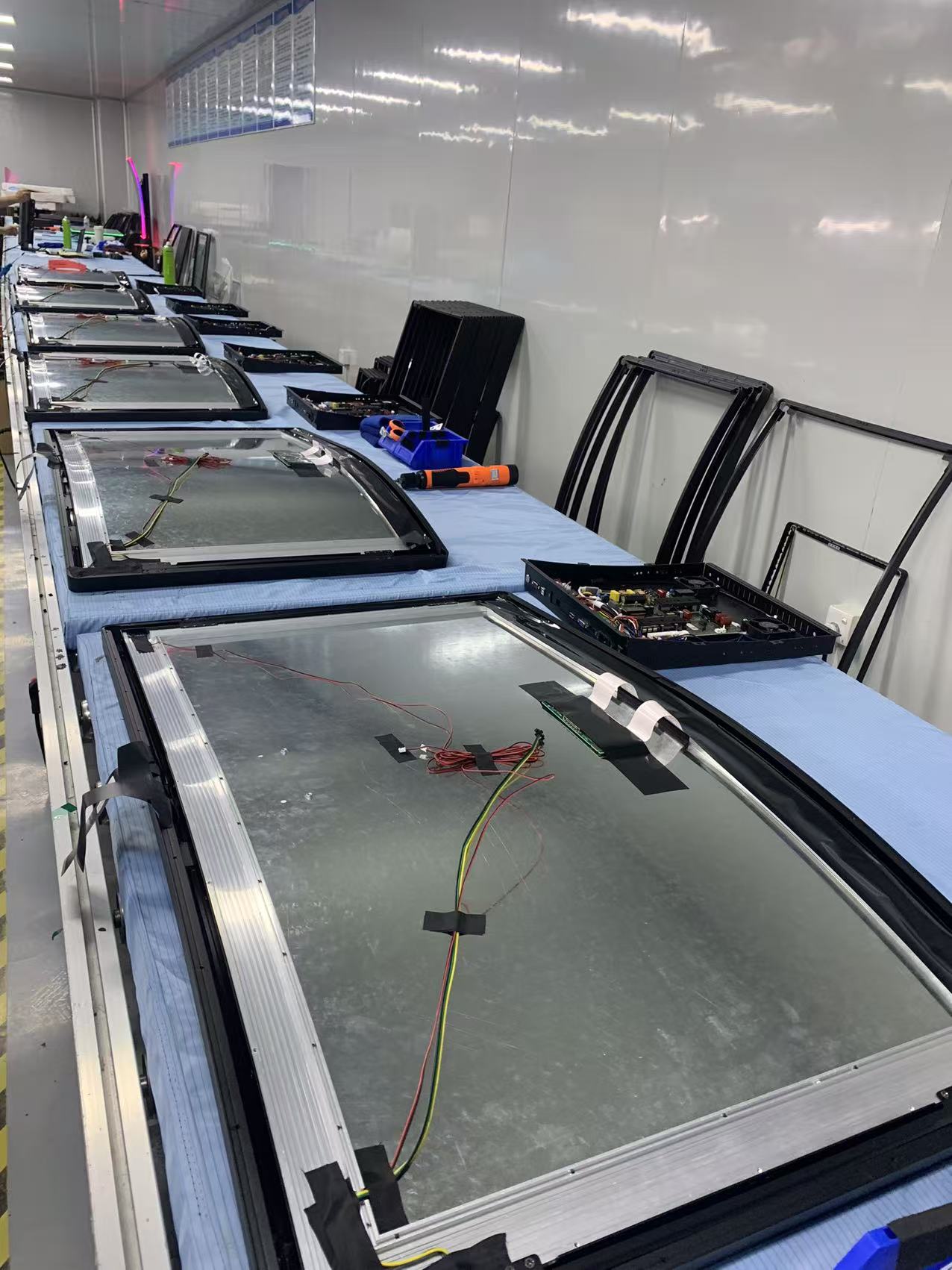
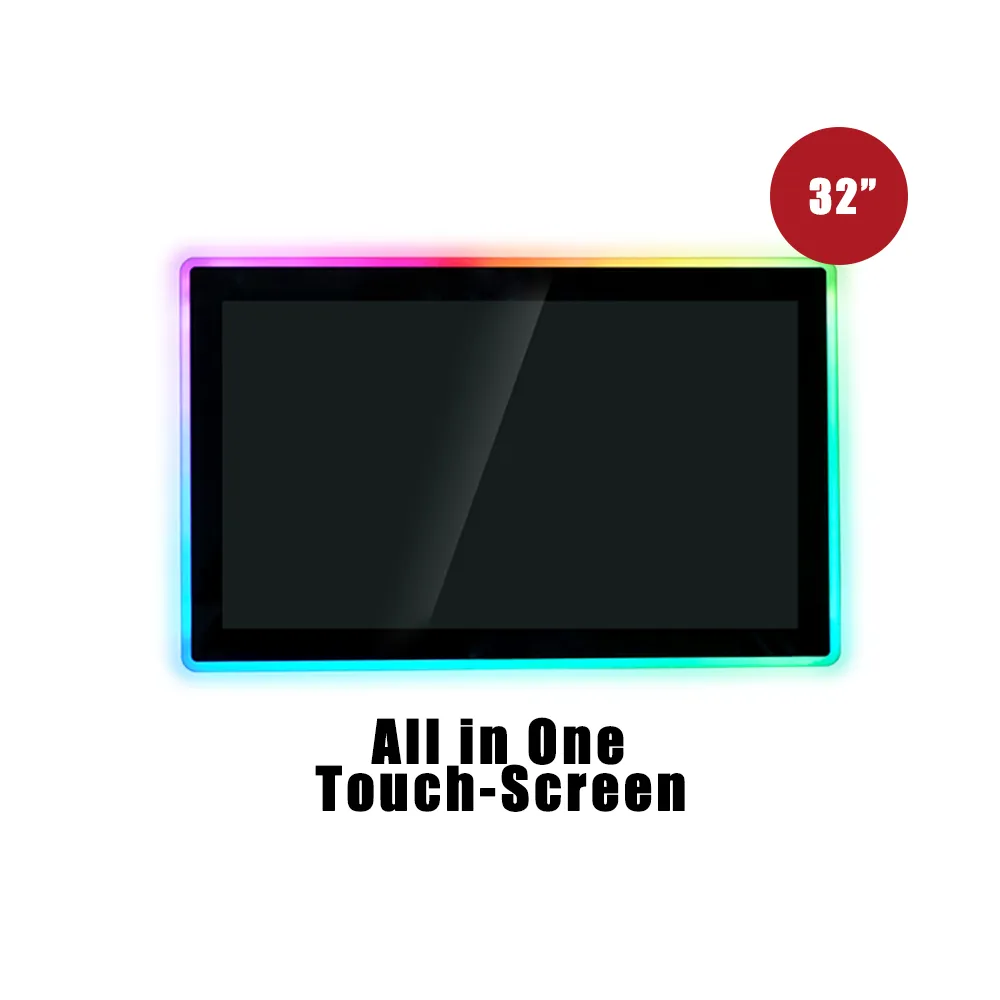
While standard sizes offer cost advantages, many applications require custom dimensions to fit specific design requirements or unique installation constraints. Custom capacitive touchscreens can be manufactured in virtually any size, subject to technical limitations.
Custom Size Considerations
When ordering custom-sized capacitive touchscreens, several factors must be considered:
- Manufacturing Constraints: Minimum and maximum size limits depend on the manufacturing process and substrate materials
- Cost Implications: Custom sizes typically cost 20-50% more than standard sizes due to specialized tooling and lower production volumes
- Lead Time: Custom sizes require longer production lead times, often 4-8 weeks compared to 1-2 weeks for standard sizes
- Technical Feasibility: Very large or very small sizes may have limitations in touch sensitivity, multi-touch capability, or durability
- Aspect Ratio: Non-standard aspect ratios may require custom controller configurations
Common Custom Size Ranges
- Ultra-Small: 2" to 3.5" for specialized wearable devices and compact instruments
- Non-Standard Medium: 11", 14", 18", 22" for specific application requirements
- Extra-Large: 65" to 86" for large-scale installations, though these are less common and more expensive
- Ultra-Wide: Custom aspect ratios like 21:9 or 32:9 for specialized applications
Size Selection Criteria
Choosing the right capacitive touchscreen size requires careful consideration of multiple factors:
Application Requirements
The intended use case is the primary factor in size selection:
- Mobile Devices: 4" to 7" for smartphones, 7" to 12" for tablets
- POS Systems: 10" to 15" for compact terminals, 15" to 24" for full-featured systems
- Digital Signage: 24" to 55" depending on viewing distance and content requirements
- Industrial Control: 7" to 19" based on control complexity and installation space
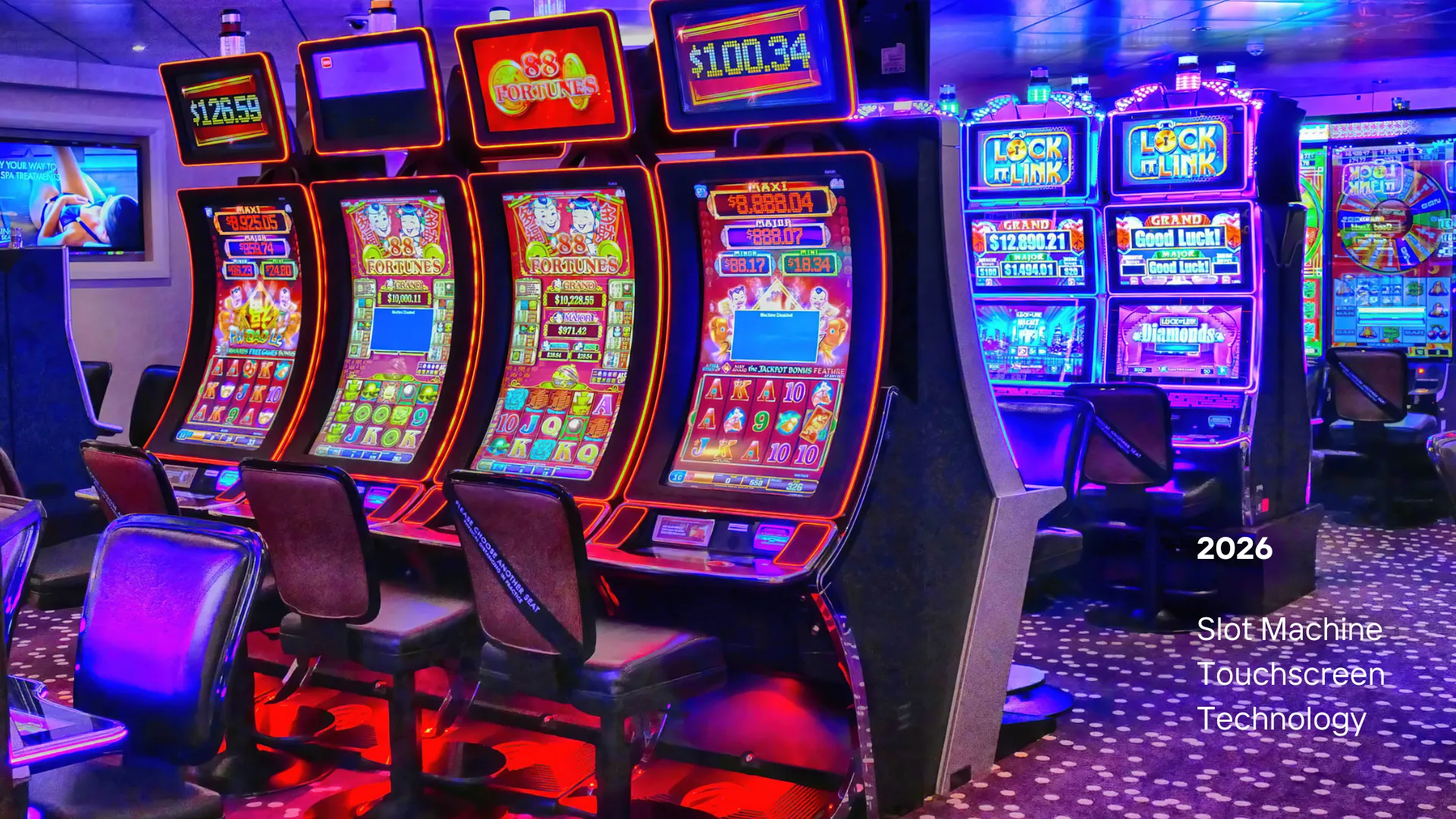
- Gaming: 10" to 27" depending on game type and user preferences
- Medical Equipment: 10" to 24" based on device type and workflow requirements
Viewing Distance
The distance between users and the display significantly impacts size selection:
- Close Range (12-24 inches): 7" to 15" displays are optimal
- Medium Range (2-5 feet): 15" to 32" displays work well
- Long Range (5+ feet): 32" to 55" or larger displays are recommended
Installation Space
Physical constraints often limit size options:
- Desk Space: Consider available surface area and ergonomic requirements
- Wall Mounting: Ensure adequate wall space and structural support
- Portable Applications: Size must balance functionality with portability
- Embedded Systems: Must fit within existing enclosure dimensions
Cost Considerations
Size directly impacts cost, and the relationship isn't always linear:
- Small Displays (under 10"): Lower cost per unit, but higher cost per square inch
- Medium Displays (10-24"): Best cost efficiency, optimal balance of features and price
- Large Displays (24" and above): Higher absolute cost, but often better cost per square inch for large installations
- Custom Sizes: Additional costs for tooling, setup, and lower production volumes
Size and Performance Relationship
The size of a capacitive touchscreen can affect its performance characteristics:
| Size Range | Touch Sensitivity | Multi-Touch Points | Response Time | Power Consumption |
|---|---|---|---|---|
| Small (3-10") | High sensitivity |
Full multi-touch |
<10ms |
Minimal power |
| Medium (10-24") | High sensitivity |
Full multi-touch |
<15ms |
Reasonable power |
| Large (24-55") | May require calibration |
Full multi-touch |
<20ms |
Significant power |
Aspect Ratios and Form Factors
Capacitive touchscreens are available in various aspect ratios to suit different applications:
Common Aspect Ratios
- 4:3: Traditional format, ideal for document viewing and legacy applications
- 16:9: Widescreen format, standard for video content and modern displays
- 16:10: Balanced format, popular for professional and productivity applications
- 21:9: Ultra-wide format, used in specialized gaming and professional displays
- 1:1: Square format, less common but used in specific applications
Industry-Specific Size Recommendations
Retail and POS Systems
Point-of-sale systems typically use:
- Compact POS: 10" to 13" for space-constrained environments
- Standard POS: 15" to 19" for full-featured terminals
- Self-Service Kiosks: 15" to 24" depending on application complexity
Digital Signage
Digital signage applications vary widely:
- Small Format: 15" to 24" for countertop displays and small kiosks
- Medium Format: 32" to 43" for wall-mounted displays and interactive installations
- Large Format: 49" to 55" for prominent displays and video walls
Industrial Applications
Industrial control systems require specific size considerations:
- Compact Control Panels: 7" to 10" for space-limited installations
- Standard Control Panels: 12" to 15" for most industrial applications
- Large Control Systems: 17" to 19" for complex monitoring and control interfaces
- Operator Workstations: 21.5" to 24" for comprehensive system management
Medical Equipment
Medical devices have specific size requirements based on application:
- Portable Medical Devices: 7" to 10" for handheld and portable equipment
- Patient Monitors: 12" to 15" for bedside monitoring systems
- Diagnostic Equipment: 15" to 19" for imaging and diagnostic displays
- Medical Workstations: 21.5" to 24" for comprehensive medical information systems
Gaming and Entertainment
Gaming applications benefit from various sizes:
- Portable Gaming: 7" to 10" for handheld gaming devices
- Tabletop Gaming: 10" to 15" for interactive table games
- Arcade Machines: 19" to 24" for traditional arcade experiences
- Large Format Gaming: 27" to 32" for immersive gaming displays
Future Trends in Capacitive Touchscreen Sizes
The capacitive touchscreen market continues to evolve with new size trends emerging:
- Ultra-Large Displays: Increasing demand for 65" to 86" capacitive touchscreens for large-scale installations
- Flexible and Foldable: Emerging technologies enabling new form factors and size configurations
- Ultra-Wide Formats: Growing popularity of 21:9 and 32:9 aspect ratios for specialized applications
- Modular Displays: Tiled configurations allowing for virtually unlimited size combinations
These trends are expanding the possibilities for capacitive touchscreen applications while maintaining excellent touch performance across all sizes.
Selecting the right capacitive touchscreen size is a critical decision that impacts user experience, installation requirements, and overall system cost. Standard sizes offer the best value and availability, while custom sizes provide flexibility for unique applications. Consider your specific use case, viewing distance, installation constraints, and budget when making your size selection.
Remember that size is just one factor in touchscreen selection. Combine size considerations with resolution, touch technology, and environmental requirements to create the optimal solution for your application. As capacitive touchscreen technology continues to advance, we can expect even more size options and improved performance across all form factors.