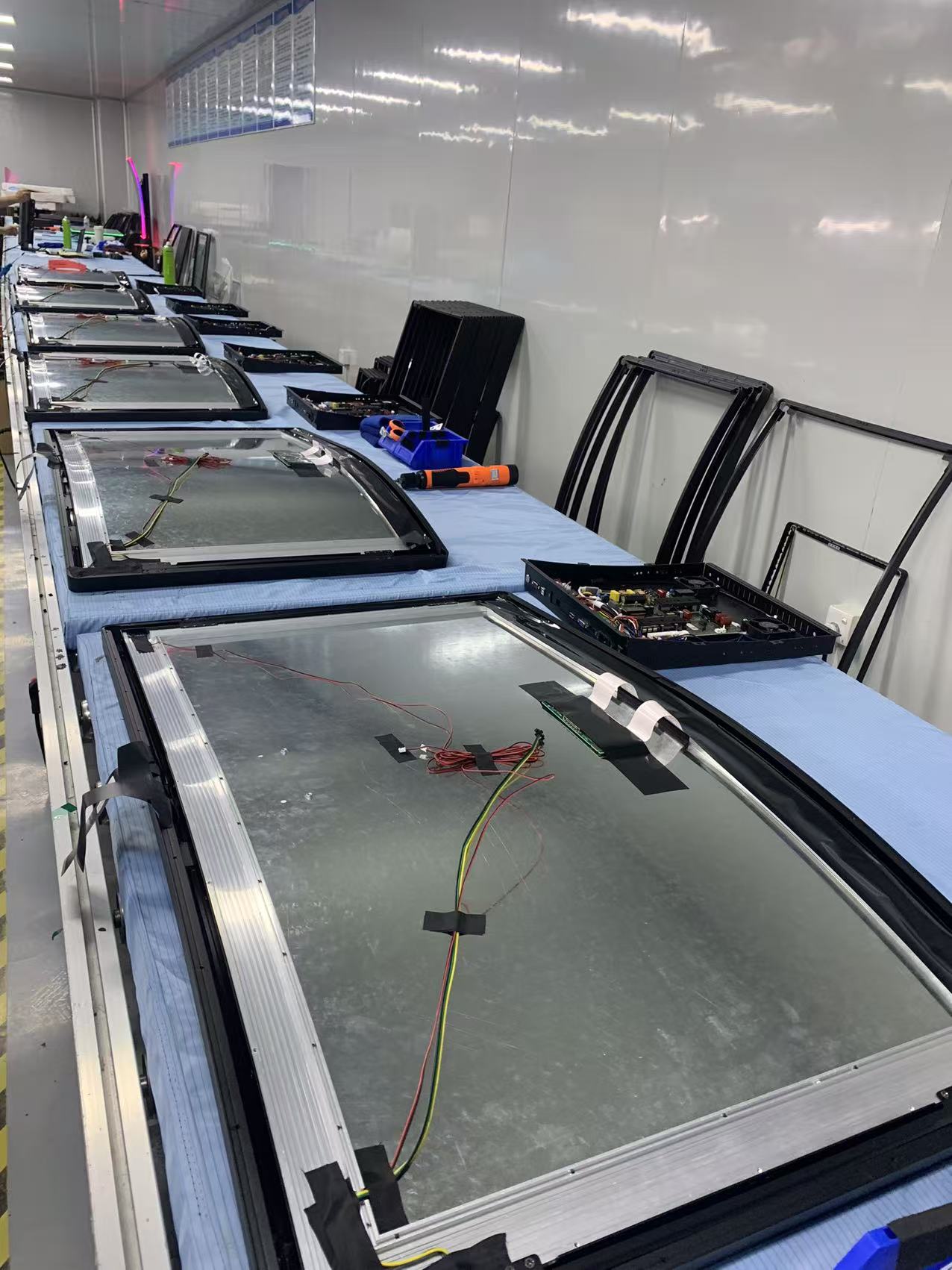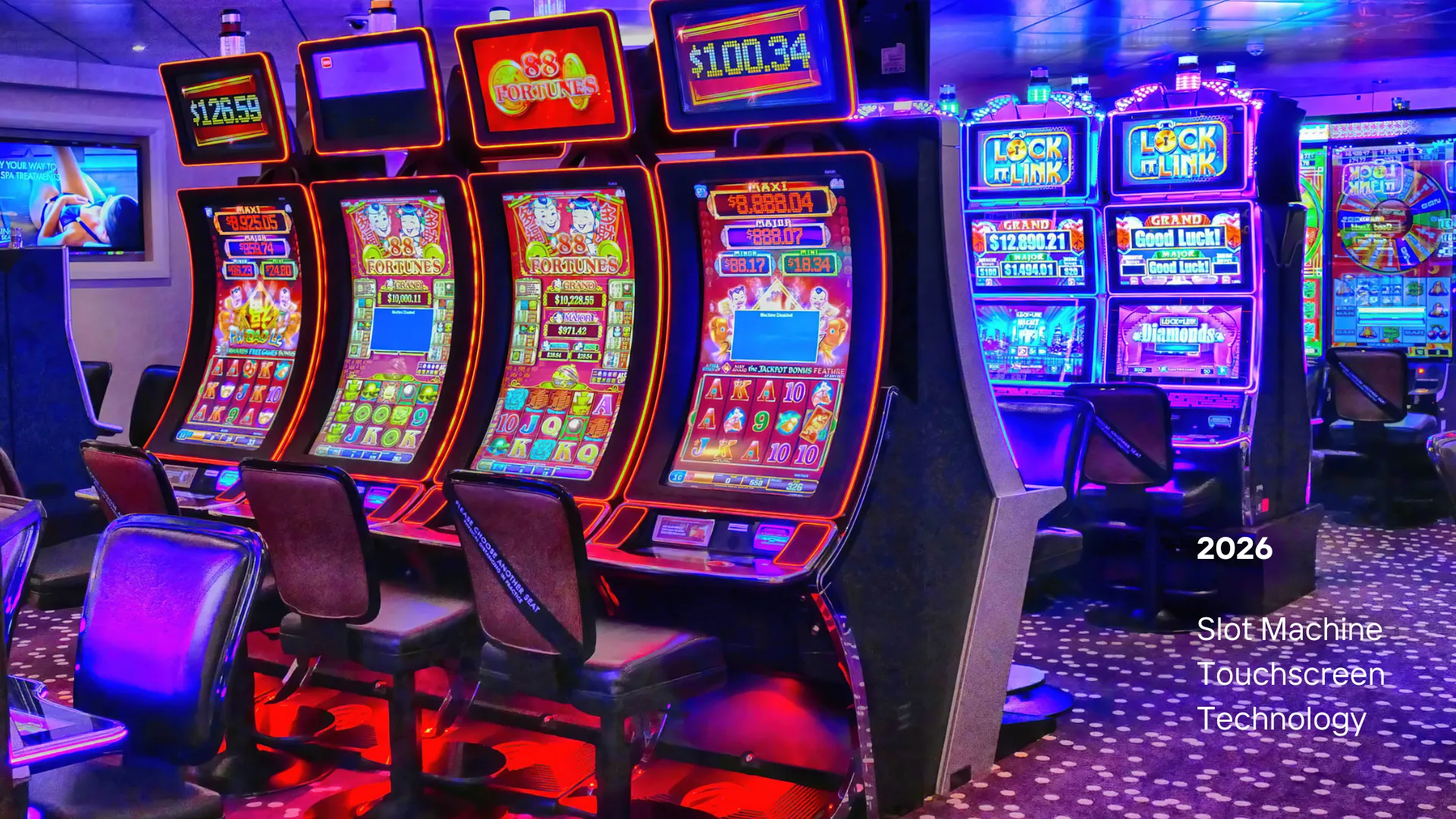








Touchscreen technology has transformed countless industries and applications, from retail point-of-sale systems to industrial automation and educational displays. This comprehensive guide explores the diverse real-world applications of touchscreen technology across various sectors, examining how different touchscreen types are deployed to solve specific challenges and enhance user experiences in everyday environments.
Touchscreen technology has become ubiquitous in modern society, seamlessly integrated into devices and systems we interact with daily. From the moment we check our smartphones in the morning to using interactive kiosks at airports or gaming on tablets, touchscreens have revolutionized human-computer interaction.
Understanding where and how touchscreens are applied in real-world scenarios helps businesses, developers, and consumers make informed decisions about technology adoption. This guide provides an in-depth exploration of touchscreen applications across multiple industries and use cases.
Retail and Point-of-Sale (POS) Systems
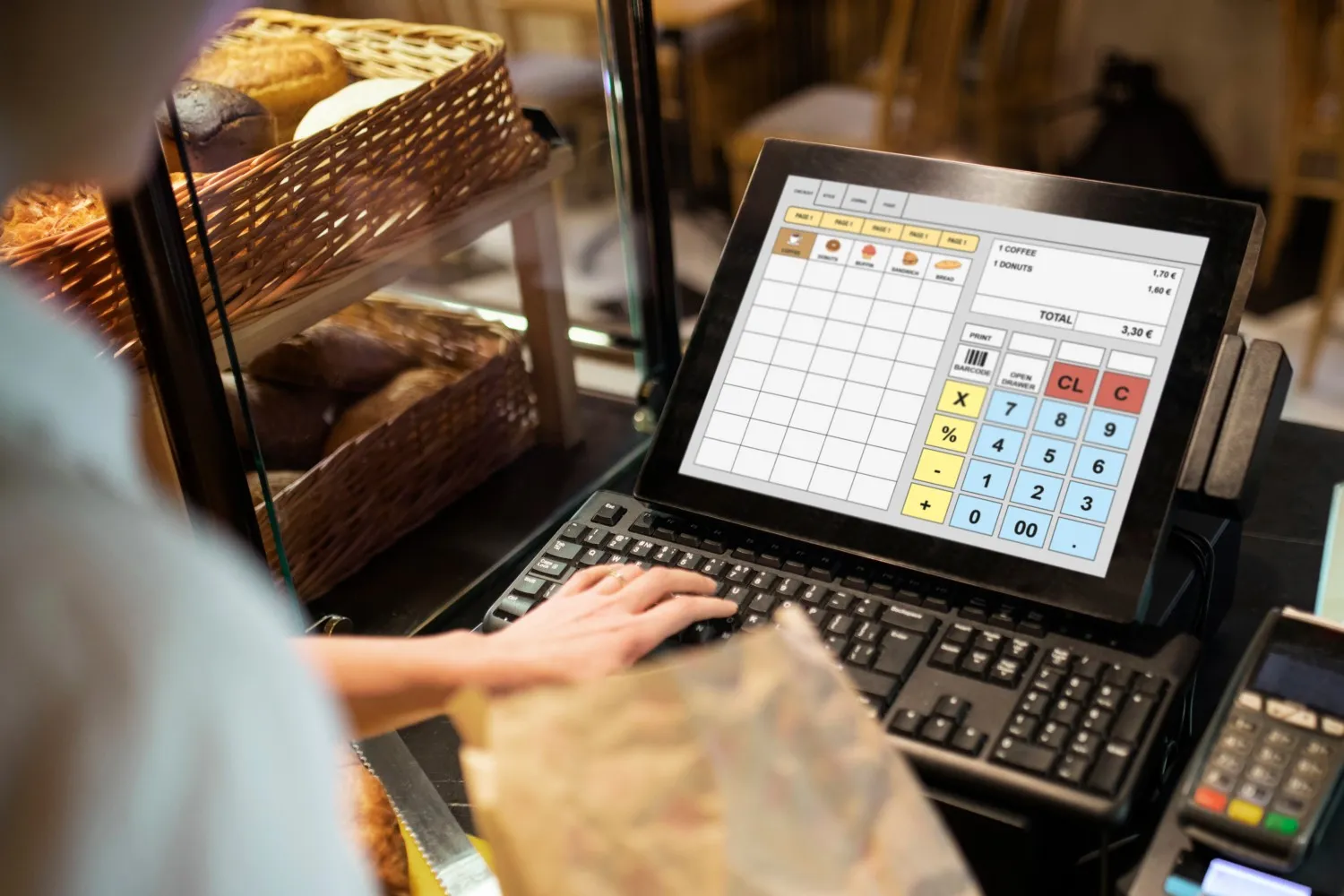
Retail environments have been transformed by touchscreen technology, with modern POS systems replacing traditional cash registers and manual entry methods. Touchscreen POS terminals offer intuitive interfaces that reduce training time and improve transaction speed.
Key Applications in Retail
- Cash Register Systems: Modern POS terminals with capacitive or resistive touchscreens enable quick item selection, payment processing, and receipt printing
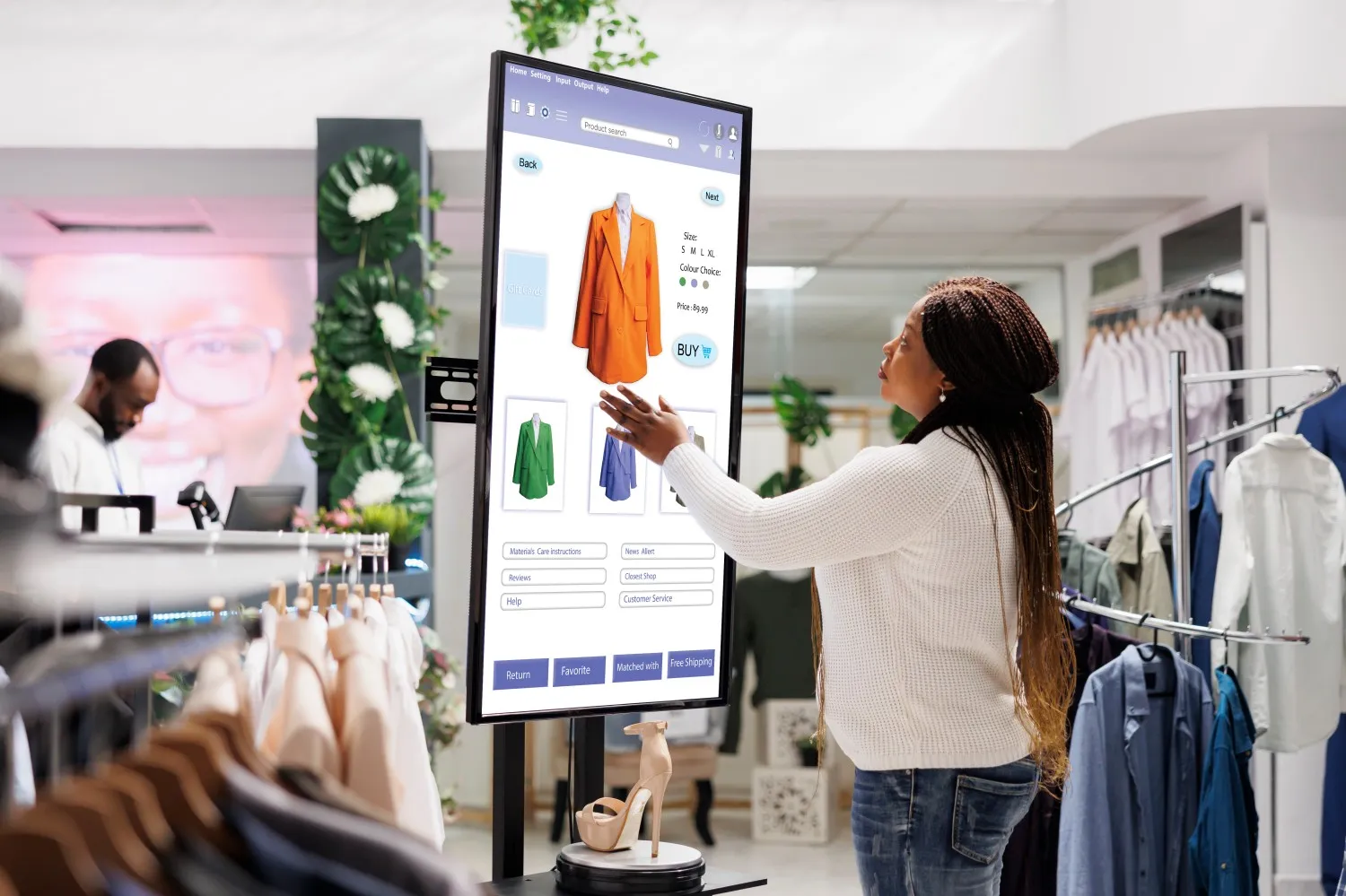
- Self-Service Kiosks: Interactive kiosks allow customers to browse products, check inventory, and complete purchases without staff assistance
- Inventory Management: Handheld touchscreen devices for stock checking, price updates, and inventory tracking
- Customer Service Displays: Interactive displays for product information, reviews, and recommendations
- Digital Menu Boards: Touch-enabled menu displays in restaurants and cafes for easy updates and customer interaction
Benefits in Retail
- Faster checkout processes and reduced waiting times
- Improved accuracy in order entry and inventory management
- Enhanced customer experience with intuitive interfaces
- Reduced training requirements for staff
- Better data collection and analytics capabilities
Industrial and Manufacturing Applications
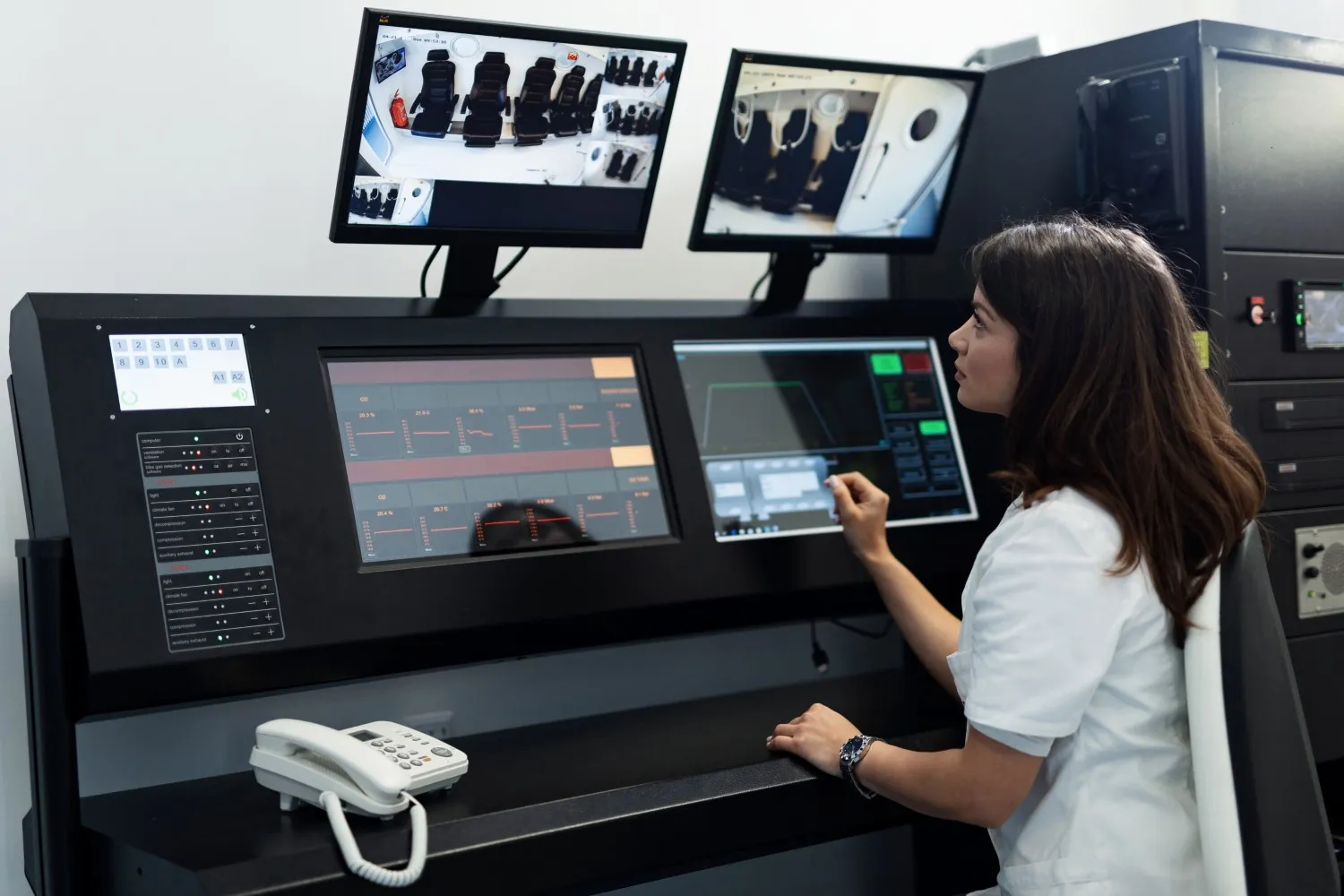
Industrial environments present unique challenges for touchscreen technology, requiring durability, reliability, and resistance to harsh conditions. Touchscreens in manufacturing and industrial settings must withstand extreme temperatures, moisture, dust, and frequent use.
Industrial Use Cases
- Machine Control Panels: Touchscreen interfaces for operating CNC machines, robotic systems, and production equipment
- Quality Control Stations: Touch-enabled displays for inspection, testing, and quality assurance processes
- Warehouse Management: Handheld and fixed touchscreen devices for inventory tracking, shipping, and receiving
- Process Monitoring: Large format touch displays for monitoring production lines, SCADA systems, and process control
- Safety Systems: Emergency control panels and safety monitoring interfaces
Technology Requirements
Industrial applications typically require:
- Resistive touchscreens for gloved-hand operation
- IP65 or higher ingress protection ratings
- Wide operating temperature ranges (-20°C to 70°C)
- High durability and scratch resistance
- Resistance to chemicals and cleaning agents
Transportation and Automotive
Touchscreen technology has revolutionized in-vehicle interfaces, public transportation systems, and transportation infrastructure. From car infotainment systems to airport check-in kiosks, touchscreens enhance the travel experience.
Automotive Applications
- In-Vehicle Infotainment: Center console displays for navigation, entertainment, climate control, and vehicle settings
- Digital Instrument Clusters: Touch-enabled dashboard displays showing speed, fuel, and vehicle diagnostics
- Rear-Seat Entertainment: Touchscreen displays for passengers in the back seats
- Electric Vehicle Charging Stations: Interactive displays for payment and charging control
Public Transportation
- Ticketing Kiosks: Self-service ticket purchasing and validation systems
- Information Displays: Interactive wayfinding and schedule information at stations
- On-Board Displays: Touch-enabled passenger information systems on buses and trains
- Parking Systems: Touchscreen interfaces for parking payment and management
Education and Training
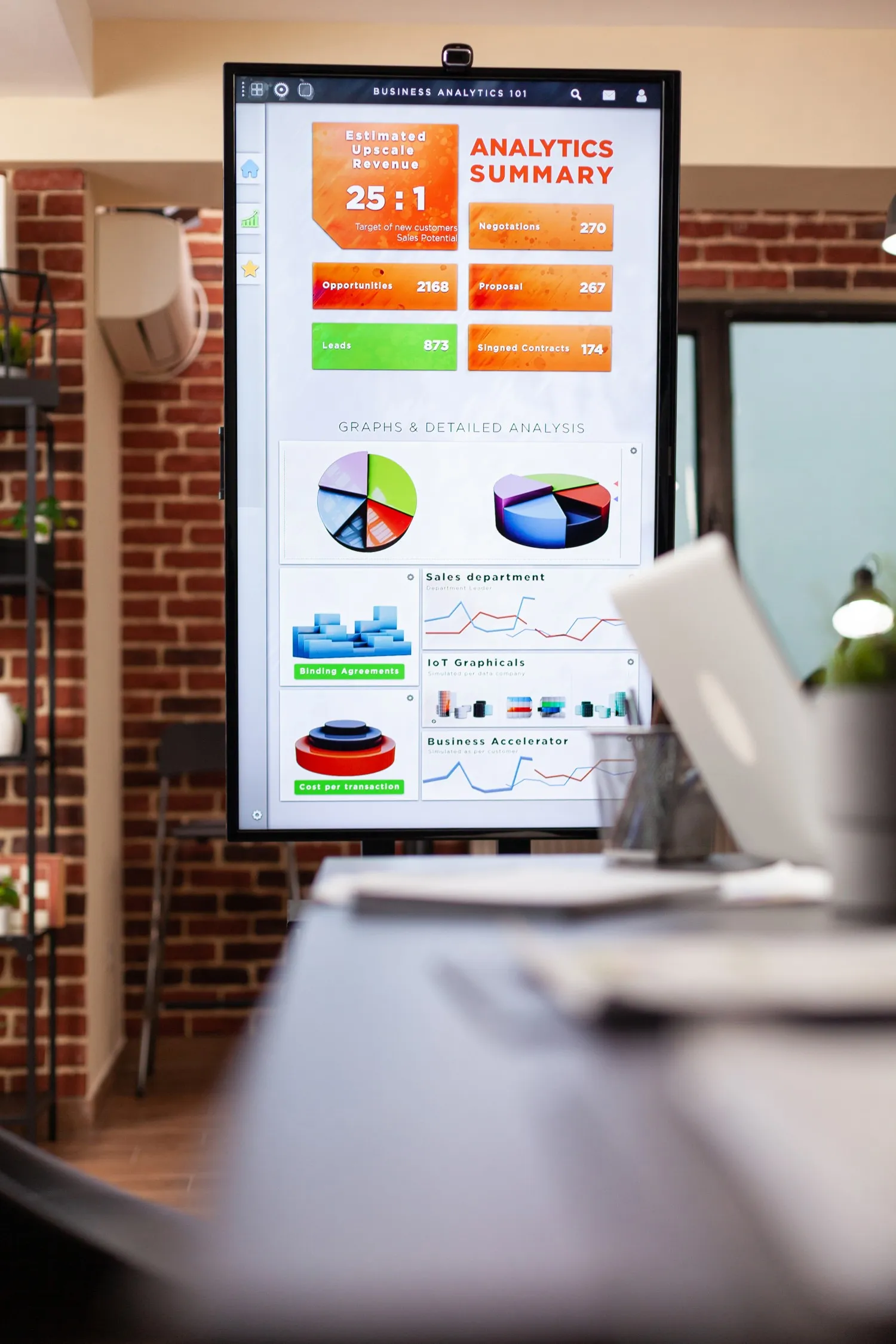
Educational institutions have embraced touchscreen technology to create interactive learning environments that engage students and enhance educational outcomes. Touchscreens facilitate collaborative learning and provide intuitive interfaces for educational content.
Educational Applications
- Interactive Whiteboards: Large format touch displays for classroom instruction and collaboration
- Student Tablets: Touchscreen devices for digital textbooks, note-taking, and interactive learning apps
- Library Kiosks: Self-service catalog search and information systems
- Training Simulators: Touch-enabled interfaces for vocational training and simulation
- Digital Signage: Interactive displays for announcements, schedules, and campus information
Benefits in Education
- Enhanced student engagement and participation
- Support for multiple learning styles
- Collaborative learning opportunities
- Access to rich multimedia educational content
- Improved accessibility for students with disabilities
Healthcare and Medical Applications
Touchscreen technology plays a critical role in modern healthcare, from patient check-in systems to advanced medical equipment interfaces. The healthcare sector requires touchscreens that support gloved operation and meet strict hygiene standards.
Healthcare Use Cases
- Patient Registration: Touchscreen kiosks for check-in and information entry
- Medical Equipment: Touch interfaces on diagnostic machines, monitors, and surgical equipment
- Electronic Health Records: Tablet-based systems for accessing and updating patient records
- Pharmacy Systems: Touch-enabled prescription management and dispensing interfaces
- Telemedicine: Touchscreen devices for remote consultations and patient monitoring
Hospitality and Entertainment
The hospitality industry leverages touchscreen technology to enhance guest experiences, streamline operations, and provide entertainment options. From hotel check-in to restaurant ordering, touchscreens are integral to modern hospitality.
Hospitality Applications
- Hotel Check-In Kiosks: Self-service registration and key card dispensing
- Restaurant Ordering Systems: Table-side tablets for menu browsing and ordering
- Concierge Displays: Interactive information systems for local attractions and services
- Entertainment Systems: In-room touchscreen controls for TV, lighting, and climate
- Event Management: Touch-enabled registration and information systems for conferences and events
Gaming and Entertainment
Touchscreen technology has revolutionized gaming, from mobile games to arcade machines and interactive entertainment systems. Touch interfaces provide intuitive control methods that appeal to gamers of all ages.
Gaming Applications
- Mobile Gaming: Smartphones and tablets with capacitive touchscreens for mobile games
- Arcade Machines: Touch-enabled arcade games and interactive entertainment systems
- Casino Gaming: Touchscreen slot machines and table games
- Interactive Exhibits: Touch displays in museums, science centers, and theme parks
- Virtual Reality: Touch interfaces for VR system control and interaction
Digital Signage and Public Displays
Interactive digital signage has transformed public spaces, providing information, advertising, and wayfinding capabilities. Large format touch displays enable public interaction with information systems.
Digital Signage Applications
- Wayfinding Systems: Interactive maps and directions in malls, airports, and public buildings
- Information Kiosks: Public information displays for events, services, and announcements
- Advertising Displays: Interactive advertising that engages consumers with touch interaction
- Museum Exhibits: Touch-enabled displays for exploring collections and information
- Corporate Lobbies: Interactive displays for visitor information and company directories
Food Service and Restaurants
Restaurants and food service establishments use touchscreen technology to streamline ordering, improve service speed, and enhance customer experience. Touch interfaces have become standard in modern food service operations.
Food Service Applications
- Self-Service Ordering: Touchscreen kiosks for customers to place orders independently
- Kitchen Display Systems: Touch-enabled screens for order management and kitchen workflow
- Drive-Through Systems: Touch interfaces for order taking and payment processing
- Table Management: Tablet-based systems for table reservations and waitlist management
- Menu Displays: Digital menu boards with touch interaction for detailed information
Banking and Financial Services
Financial institutions have adopted touchscreen technology to modernize customer interactions, improve security, and streamline banking operations. Touch interfaces provide secure and intuitive access to banking services.
Banking Applications
- ATM Machines: Touchscreen interfaces for transactions, account access, and services
- Bank Teller Systems: Touch-enabled workstations for teller operations
- Self-Service Banking: Interactive kiosks for account inquiries and basic transactions
- Investment Displays: Touchscreen interfaces for financial planning and investment information
- Mobile Banking: Smartphone and tablet apps with touch interfaces
Smart Home and IoT Applications
Touchscreen technology is central to smart home systems, providing intuitive control interfaces for home automation, security, and entertainment systems. Touch displays serve as central hubs for managing connected devices.
Smart Home Use Cases
- Home Control Panels: Central touchscreen displays for lighting, climate, security, and entertainment control
- Smart Appliances: Touch-enabled interfaces on refrigerators, ovens, and washing machines
- Security Systems: Touchscreen panels for alarm systems and security monitoring
- Intercom Systems: Touch-enabled video intercoms and door access controls
- Energy Management: Touch displays for monitoring and controlling energy consumption
Choosing the Right Touchscreen for Your Application
Selecting the appropriate touchscreen technology depends on several factors specific to your application:
| Application Type | Recommended Technology | Key Requirements |
|---|---|---|
| Retail POS | Capacitive or Resistive | Fast response, easy cleaning, durability |
| Industrial Control | Resistive | Gloved operation, environmental resistance, durability |
| Public Kiosks | Infrared or Capacitive | Large format, vandal resistance, multi-touch |
| Medical Equipment | Resistive | Gloved operation, easy disinfection, reliability |
| Education | Infrared or Capacitive | Large format, multi-touch, durability |
| Automotive | Capacitive | Temperature range, optical clarity, responsiveness |
| Gaming | Capacitive | Multi-touch, fast response, gesture support |
| Digital Signage | Infrared | Large format, optical clarity, public use |
Implementation Considerations
When implementing touchscreen solutions in real-world applications, consider the following factors:
Environmental Factors
- Operating Environment: Indoor vs. outdoor, temperature ranges, humidity levels
- Exposure to Elements: Water, dust, chemicals, UV light
- Usage Patterns: Frequency of use, user demographics, interaction types
- Maintenance Requirements: Cleaning frequency, accessibility for service
User Experience Factors
- User Interface Design: Intuitive layouts, appropriate button sizes, clear feedback
- Accessibility: Support for users with disabilities, multiple language options
- Response Time: Fast, immediate feedback for user interactions
- Error Prevention: Confirmation dialogs, undo capabilities, clear error messages
Technical Requirements
- Integration: Compatibility with existing systems and software
- Connectivity: Network requirements, data transmission, security
- Scalability: Ability to expand and update the system
- Reliability: Uptime requirements, backup systems, redundancy
Future Trends in Touchscreen Applications
Touchscreen technology continues to evolve, with new applications emerging across industries:
- Augmented Reality Integration: Touch interfaces combined with AR for enhanced interaction
- Haptic Feedback: Advanced tactile feedback for more immersive experiences
- Flexible Displays: Bendable and foldable touchscreens for new form factors
- AI-Powered Interfaces: Intelligent touch interfaces that adapt to user behavior
- Sustainability: Eco-friendly materials and energy-efficient touchscreen technologies
Touchscreen technology has become an essential component of modern digital interfaces, transforming how we interact with devices and systems across virtually every industry. From retail to healthcare, education to entertainment, touchscreens provide intuitive, efficient, and engaging user experiences.
Understanding the diverse applications of touchscreen technology helps businesses and developers make informed decisions about implementation. By considering factors such as environment, user needs, and technical requirements, organizations can select and deploy touchscreen solutions that enhance productivity, improve user satisfaction, and drive business success.
As technology continues to advance, we can expect to see even more innovative applications of touchscreen technology, further integrating touch interfaces into our daily lives and work environments.